
base16-lazygit
This repo provides templates for using Base16 color schemes with lazygit, a simple terminal UI for git commands.
All files in colors directory generated by lustache, lustache-cli and builder.
Examples
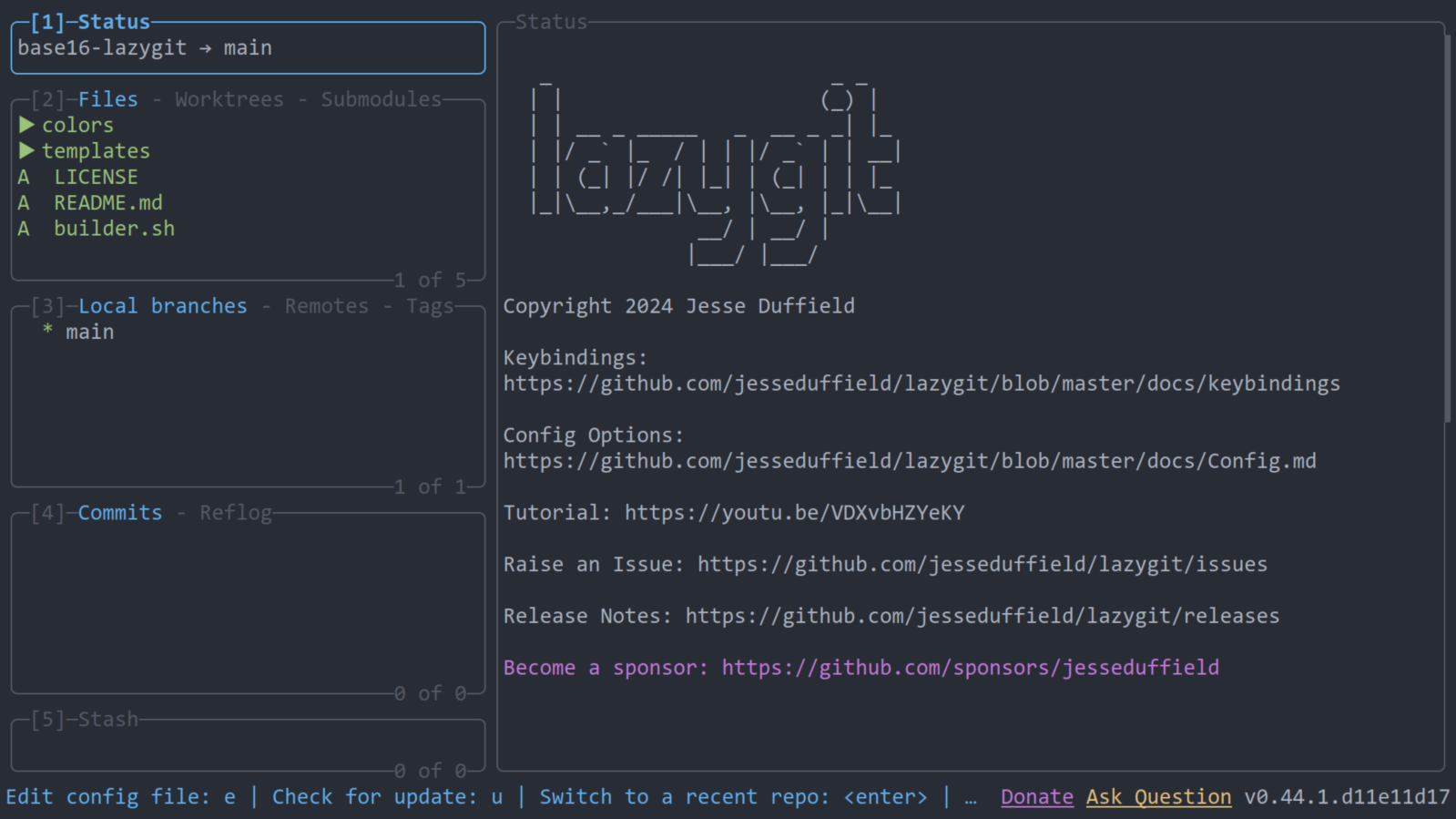
base16-onedark
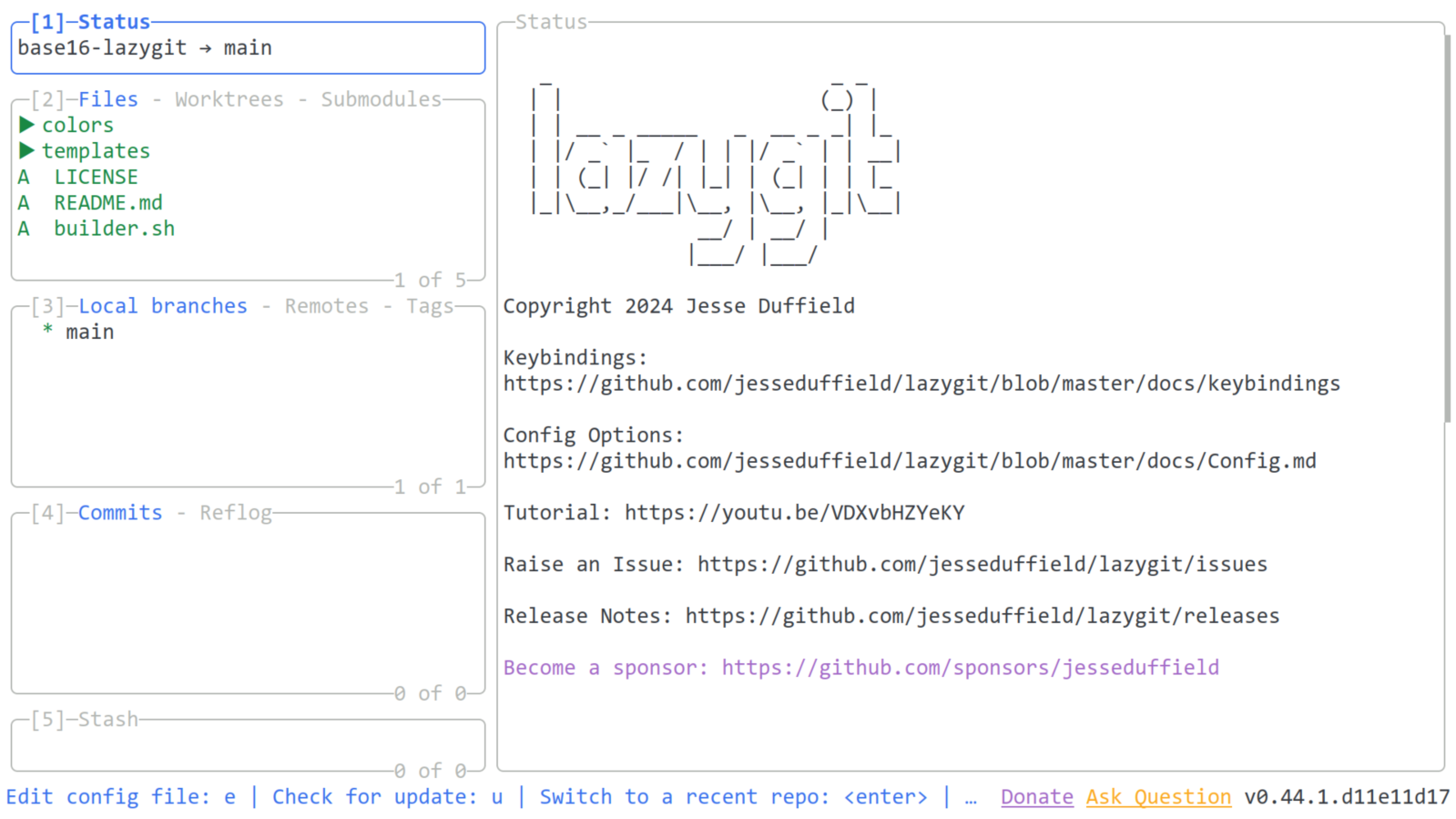
base16-google-light
Usage
You can find an example config in examples/config.yml.
Place this file in:
- Linux:
~/.config/lazygit/config.yml. - MacOS:
~/Library/Application\ Support/lazygit/config.yml. - Windows:
%LOCALAPPDATA%\lazygit\config.yml(default location, but it will also be found in%APPDATA%\lazygit\config.yml.
Separating the theme and the configuration
You can use a flag --use-config-file to combine multiple configuration files.
lazygit --use-config-file="$XDG_CONFIG_HOME/lazygit/config.yml,$XDG_DATA_HOME/tinted-theming/tinty/base16-lazygit-colors-file.yml"
Or an environment variable LG_CONFIG_FILE.
LG_CONFIG_FILE="$XDG_CONFIG_HOME/lazygit/config.yml,$XDG_DATA_HOME/tinted-theming/tinty/base16-lazygit-colors-file.yml" lazygit
License
MIT